Build a Self-Hosted Rank Tracker in ~50 Lines of Python
Track keyword positions from your own machine with a self-hosted SERP API, Python, SQLite, and cron. A small, practical alternative to a full SEO suite.
On this page
Rank tracking is usually sold as a full SEO product. Dashboards, alerts, competitor charts, exports, client reports - the whole thing.
Sometimes you only need the small version:
- a list of keywords
- a target domain
- the search engine and market you care about
- one row per keyword per day
That is enough to answer practical questions like “did this page enter the top 20?”, “did the migration hurt branded queries?”, or “which keywords moved after we shipped the new content?”
This tutorial builds that small version with a self-hosted SERP API, Python, SQLite, and cron. It is not a replacement for a serious SEO suite. It is a rank history pipeline you can read in one sitting, run on a small server, and change when it does not fit.
Why self-host this at all?
Managed SERP APIs are useful. If you need scale, support, dashboards, or no browser maintenance, paying for a service is often the correct call.
Self-hosting is better when the job is narrower:
- you want a small rank tracker for your own projects
- you want the raw data in your own database
- you need a repeatable script, not another dashboard
- you want to test rank tracking before buying a bigger tool
- you care about engines beyond Google, such as Bing, Yandex, or Baidu
The cost moves from a vendor bill to your own ops. You run a browser-backed service, keep it updated, handle failures, and respect the limits of the engines you query. No self-hosted SERP scraper makes that disappear.
Start the SERP backend
For the backend, I will use OpenSERP, an open-source SERP API that exposes engine-specific endpoints like /google/search, /bing/search, and /yandex/search.
Run it locally with Docker:
docker run --rm -p 127.0.0.1:7000:7000 karust/openserp:latest serve -a 0.0.0.0 -p 7000
Try one query before writing any Python:
curl "http://127.0.0.1:7000/google/search?text=self+hosted+serp+api®ion=US&lang=EN&limit=20"
The response is a JSON envelope with a results array. Organic results include fields such as rank, title, url, domain, and engine, which is exactly what a rank tracker needs.
Install the Python SDK
Create a small project folder and install the public Python package:
python -m venv .venv
source .venv/bin/activate
pip install openserp
Now create track.py.
The tracker
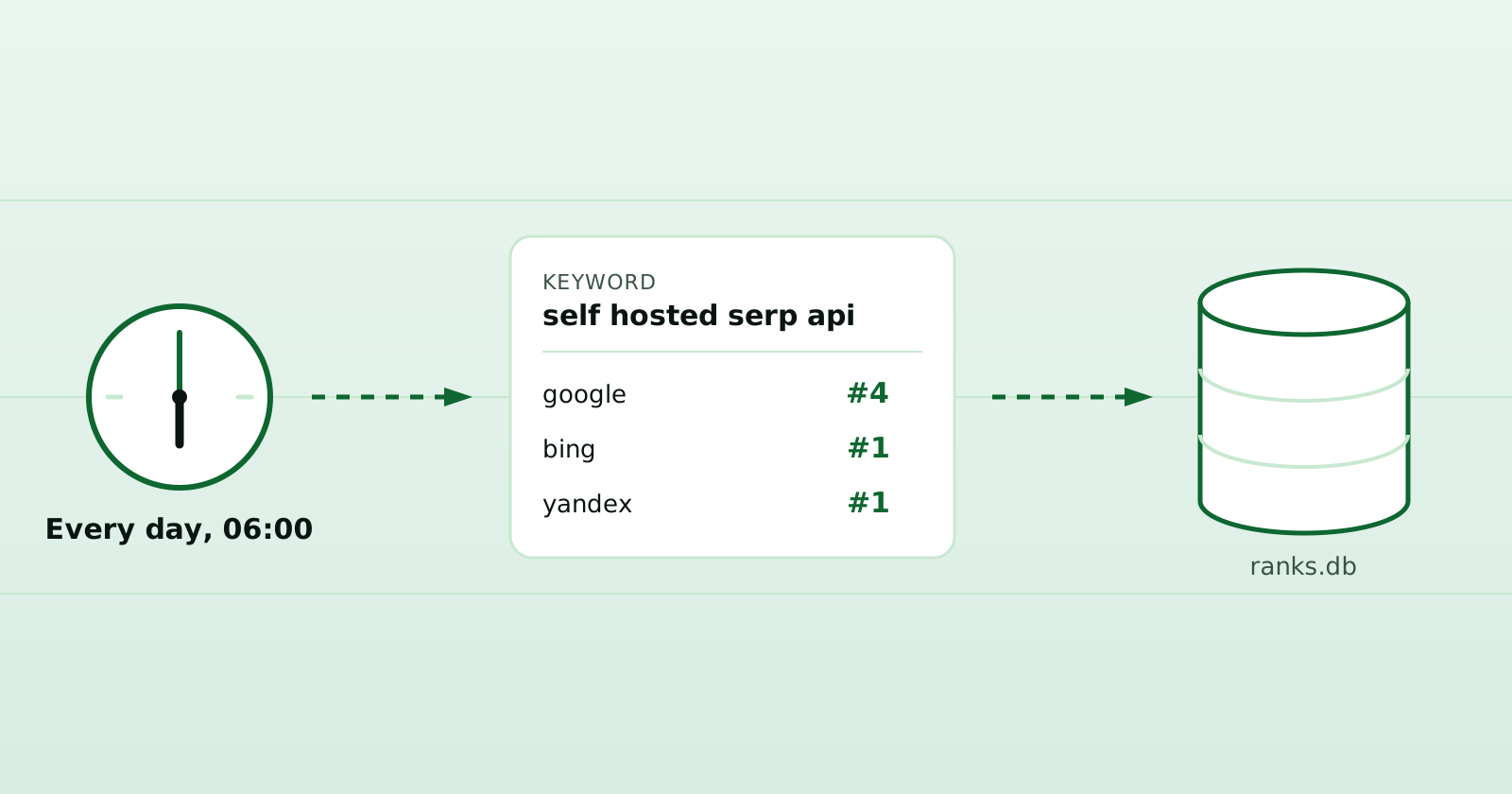
This script checks several keywords across several engines, finds the first result matching your domain, and writes the daily position to SQLite.
from datetime import date
import sqlite3

from openserp import OpenSERP

TARGET_DOMAIN = "example.com"
REGION = "US"
LANG = "EN"
LIMIT = 50

KEYWORDS = ["self hosted serp api", "open source serp api", "serp api for rank tracking"]
ENGINES = ["google", "bing"]


def matches(domain: str | None, target: str) -> bool:
    domain = (domain or "").lower().removeprefix("www.")
    target = target.lower().removeprefix("www.")
    return domain == target or domain.endswith(f".{target}")


db = sqlite3.connect("ranks.db")
db.execute("""
CREATE TABLE IF NOT EXISTS ranks (
    day TEXT,
    engine TEXT,
    keyword TEXT,
    rank INTEGER,
    url TEXT,
    title TEXT,
    PRIMARY KEY (day, engine, keyword)
)
""")

today = date.today().isoformat()

with OpenSERP(base_url="http://localhost:7000") as client:
    for engine in ENGINES:
        for keyword in KEYWORDS:
            response = client.search(engine=engine, text=keyword, region=REGION, lang=LANG, limit=LIMIT)
            hit = next((r for r in response.results if matches(r.domain, TARGET_DOMAIN)), None)
            rank = hit.rank if hit else None
            url = hit.url if hit else ""
            title = hit.title if hit else ""

            db.execute(
                """
                INSERT OR REPLACE INTO ranks(day, engine, keyword, rank, url, title)
                VALUES (?, ?, ?, ?, ?, ?)
                """,
                (today, engine, keyword, rank, url, title),
            )
            print(f"{engine:8} {keyword:32} {rank or f'not in top {LIMIT}'}")

db.commit()
db.close()
Change TARGET_DOMAIN, KEYWORDS, REGION, and LANG before running it:
python track.py
If the target domain is not found, the script stores NULL for rank. That is useful data, not a bug. A keyword entering the top 50 for the first time is often the most interesting event.
The script is deliberately minimal: one failed request stops the run. For unattended use, catch errors per keyword and record the failure separately from a genuine NULL rank.
Read the history
After a few runs, SQLite becomes the report.
Show the latest run:
SELECT day, engine, keyword, rank, url
FROM ranks
WHERE day = (SELECT MAX(day) FROM ranks)
ORDER BY engine, keyword;
Compare the two most recent days:
WITH days AS (
  SELECT DISTINCT day
  FROM ranks
  ORDER BY day DESC
  LIMIT 2
)
SELECT engine, keyword, day, rank
FROM ranks
WHERE day IN (SELECT day FROM days)
ORDER BY engine, keyword, day;
That gives you pairs you can diff in your head. If yesterday was 18 and today is 11, something moved. If the row changed from NULL to 47, the page entered the tracked window.
For a quick CSV export:
sqlite3 -header -csv ranks.db "SELECT * FROM ranks ORDER BY day, engine, keyword;" > ranks.csv
Run it daily
Cron is enough for a personal tracker:
# every day at 06:00 in the server's timezone
0 6 * * * cd /path/to/tracker && /path/to/tracker/.venv/bin/python track.py >> track.log 2>&1
For a server, I would usually add three small things:
- a lock so two runs cannot overlap
- a timeout per keyword
- an alert when the whole run fails
You do not need a platform before the data is useful. Start with the script. Add structure only when the script starts hurting.
Notes that matter for rank tracking
Ranks are not universal. Location, language, device, personalization, and time of day can all change what you see. Pick a market and keep it stable. In the script above, that means setting REGION, LANG, and LIMIT and not changing them mid-history. If you do change them, start a new database or store the settings with each row.
Domains need careful matching. www.example.com, blog.example.com, and example.com may or may not mean the same thing for your use case. The script treats subdomains as matches. If you only want the exact host, change matches().
Different engines have different behavior. Google, Bing, Yandex, Baidu, DuckDuckGo, and Ecosia are not interchangeable datasets. Track the engines that map to your audience instead of averaging everything into one number. In a later ten-day sample, many tracked pairs appeared in one engine’s top ten and not another’s.
Be conservative with volume. A daily tracker for a known keyword list is a different workload from hammering thousands of queries in a loop. Space requests out if you expand the script, handle errors, and treat engine pushback as a signal to slow down or stop.
OpenSERP gives you the API surface, but you still operate the machine. Browser-backed scraping needs CPU and memory. Search result pages change. Containers need updates. If you do not want that maintenance, use a managed SERP API or a hosted rank tracker.
Where OpenSERP fits
OpenSERP is useful here because the rank tracker only needs a clean search endpoint and normalized organic results. You run the Docker image, call one endpoint per engine, and store the fields you care about.
It is not trying to be your full SEO dashboard. That is a good thing for this workflow. The boundary stays clear:
- OpenSERP fetches and normalizes SERP results
- your Python script decides what “my rank” means
- SQLite keeps the history
- cron makes it repeat
If that is the shape you need, run the Docker image and try the query locally. The source is on GitHub, and the image is on Docker Hub.
If you would rather not babysit a container - or you want alerts, cross-engine diffs, and history you did not have to schema-design yourself - OpenSERP Cloud offers the managed route.

Written by Rustem
I build OpenSERP - the open-source SERP API behind these posts. Spotted something wrong, or want a topic covered? Get in touch.