Free SERP API in 2026: Open-Source and Self-Hosted Options
Compare OpenSERP, SearXNG and hosted SerpAPI alternatives. Learn what free really costs, how the APIs differ, and what to test before switching.
Updated
On this page
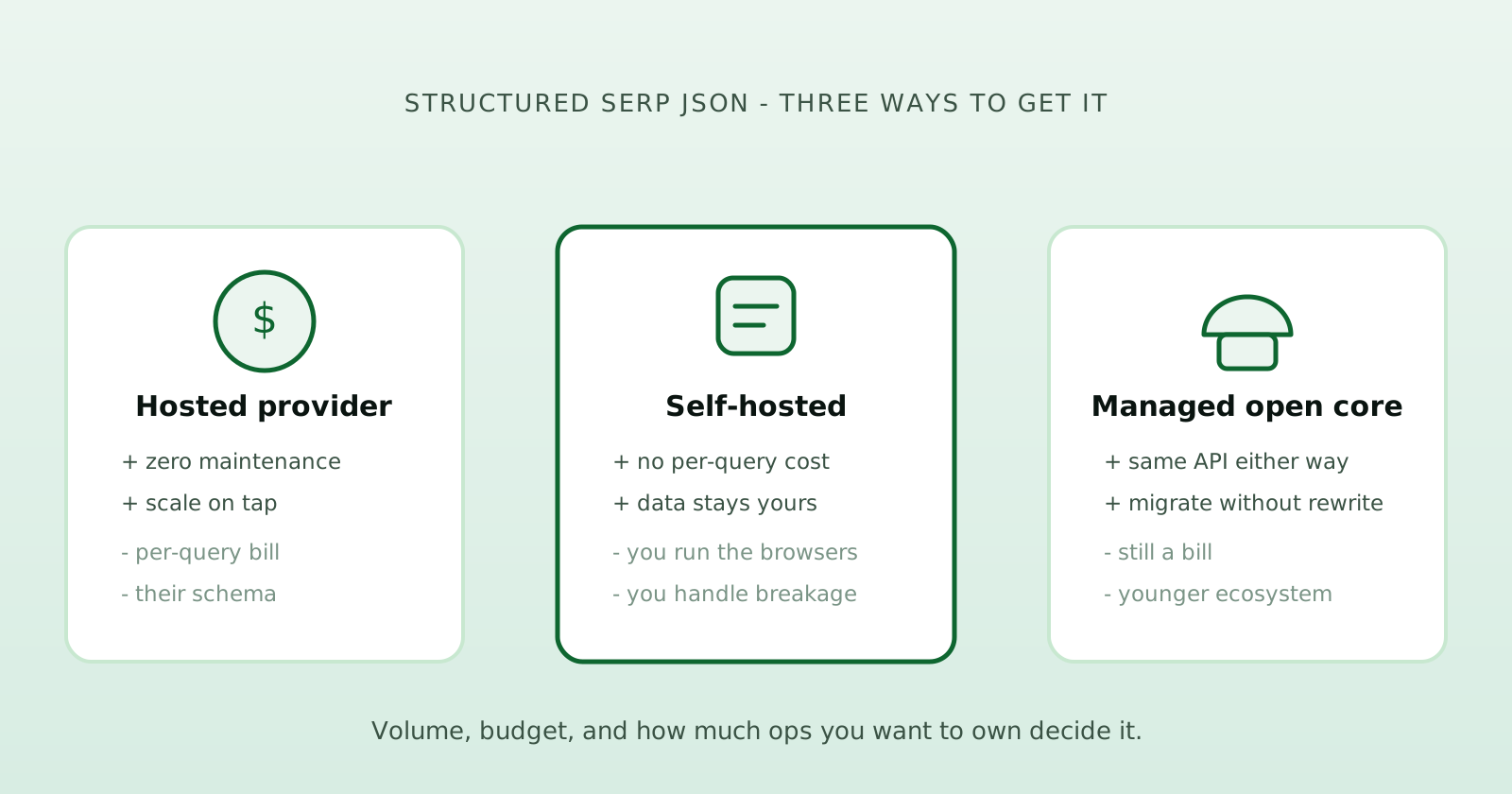
A free SERP API can mean two different things: open-source software you run yourself, or a hosted API with a limited free allowance. The first removes the software license and per-search vendor fees. The second lets you test a managed service before paying for more usage. Neither guarantees that running your workload costs nothing.
For an open-source SerpAPI alternative, start by comparing OpenSERP and SearXNG. OpenSERP provides structured search results for applications; SearXNG combines a private search interface with a configurable HTTP API. If you prefer a hosted endpoint, compare the exact engines, fields and billing rules your application needs.
About this guide: I build OpenSERP. This is a comparison of documented capabilities and operating models, not a performance benchmark. Product documentation was reviewed on October 22, 2026; sources are linked alongside the relevant claims.
Which SERP API should you shortlist?
| Option | Best starting point for | What you take on |
|---|---|---|
| OpenSERP, self-hosted | Applications that need structured results from several search engines | Running the server, updates and availability |
| SearXNG, self-hosted | Private search and metasearch, with JSON access when enabled | Running the instance and configuring its engines and output formats |
| OpenSERP Cloud | A hosted OpenSERP API with the same SDK for core search workflows | An account, usage charges and the service’s limits |
| Other hosted SERP APIs | Workloads that need a provider’s particular engines, verticals or delivery options | Provider-specific integration, billing and limits |
If you are replacing SerpAPI, start with the fields your application actually reads. A service can return valid search JSON and still be a poor replacement if it lacks the location control, result depth or SERP features you rely on.
OpenSERP: a self-hosted API for applications
OpenSERP is MIT-licensed software with endpoints for Google, Bing, Yandex, Baidu, DuckDuckGo and Ecosia. It returns a shared JSON structure with result titles, URLs, snippets, ranks and engine information. It also provides image search, multi-engine search and URL extraction; see the project documentation for supported options.
Choose it when you want to call a local HTTP service from an application, work with several engines, or inspect and modify the code. There is no OpenSERP software license fee or per-search vendor charge for the self-hosted server. Your hosting, network usage and maintenance time still count toward the cost.
The trade-off is ownership of the service. You need to keep the deployment updated, monitor failed requests and check that the returned fields meet your needs. Running the server yourself also does not keep queries inside your network: it sends them to search engines.
Run your first local search
Start the server with Docker. This command exposes it on your own machine:
docker run --rm -p 127.0.0.1:7000:7000 karust/openserp:latest serve -a 0.0.0.0 -p 7000
Then make a request. The local server does not require an API key:
curl --get "http://localhost:7000/google/search" \
  --data-urlencode "text=open source serp api" \
  --data-urlencode "lang=EN" \
  --data-urlencode "limit=10"
The official JavaScript SDK uses the same local server:
import { OpenSERP } from "@openserp/sdk";

const client = new OpenSERP({ baseUrl: "http://localhost:7000" });

const { results } = await client.search({
  engine: "google",
  text: "open source serp api",
  limit: 10,
  region: "US",
  lang: "EN",
});

console.log(results[0]?.rank, results[0]?.title, results[0]?.url);
SearXNG: private metasearch with a JSON API
SearXNG is an AGPL-3.0 metasearch engine. It aggregates results from multiple search services and provides a browser search interface. It also has a documented HTTP API with JSON, CSV and RSS output.
It is a reasonable option when private search and access to many sources are central to the project. You can query your own instance with /search?q=your+query&format=json after enabling JSON in its configuration.
That configuration matters: SearXNG’s documentation says an output format must be enabled in settings.yml, and many public instances disable these formats. A 403 response on a public instance does not mean SearXNG has no API.
For rank tracking, inspect how each result represents its source and position. For AI retrieval, inspect the URLs, snippets and source coverage. Those checks are more useful than treating every metasearch response as equivalent to a single-engine SERP. Our OpenSERP vs SearXNG comparison covers the two workflows in more detail.
When a hosted SERP API makes sense
A hosted API lets your team focus on using search data while the provider operates the service. Evaluate it when you do not want to maintain a search server, or when a particular result type is essential.
The providers are not interchangeable:
- SerpAPI documents Google organic results and dedicated APIs for verticals such as Maps, Shopping and Scholar. Check the exact endpoint you currently use before choosing a replacement.
- Serper offers Google search and other Google result types. Include it in a shortlist when Google’s coverage matches your workload.
- DataForSEO offers both Live and task-based Standard delivery for Google organic results. Its documentation explains how delivery mode, depth and optional parameters affect billing.
Use their current pricing pages to price the same workload. Comparing a queued task against an interactive request, or ten results against a deeper search, can produce a misleading cost comparison.
OpenSERP Cloud: use the SDK without running the server
OpenSERP Cloud provides hosted search with pay-as-you-go credits. It uses the same SDK search method as the local server. Configure an API key instead of the local base URL; the SDK sends it as Authorization: Bearer to https://api.openserp.org/v1.
Install the SDK and set your key in your server environment:
npm install @openserp/sdk
export OPENSERP_API_KEY="osk_live_xxx"
import { OpenSERP } from "@openserp/sdk";

const apiKey = process.env.OPENSERP_API_KEY;
if (!apiKey) throw new Error("Set OPENSERP_API_KEY before running this example");

const client = new OpenSERP({ apiKey });
const { results } = await client.search({
  engine: "google",
  text: "serp api alternatives",
  limit: 10,
  region: "US",
});

console.log(results[0]?.title, results[0]?.url);
Keep the key on your server. Review the pricing and OSS vs Cloud differences before moving a workload: shared SDK methods do not imply that every self-hosted option is available in Cloud.
Compare the cost of your workload
Write down the number of queries, engines, result depth and run frequency before comparing prices. For example, checking 100 keywords on two engines once a day requires 6,000 engine searches in a 30-day month, before retries or deeper result requests.
For self-hosting, include infrastructure, network usage and maintenance time. For hosted APIs, include the billed units, depth charges, minimum purchase, expiry rules and charges for unsuccessful requests. A free allowance is useful for evaluation; it is not a production cost estimate.
For OpenSERP Cloud, one credit covers the first page of a web search, up to 10 results. Deeper searches and other operations use their own credit rules. The credit reference explains the charges, and the pricing calculator estimates spend.
Test before switching providers
Use a small, repeatable set of your real queries. Twenty queries covering your key languages, regions and query types are a practical starting point. Run each candidate with equivalent settings and save the raw responses.
| Check | What to record |
|---|---|
| Coverage | Required engines, countries, languages and result types |
| Result quality | Missing URLs, duplicates, snippets and the fields your app needs |
| Ranking | Original engine, position meaning and how deeper results are represented |
| Response time | Typical and slower requests under your expected concurrency |
| Failure handling | Timeouts, empty responses, error codes and retry behavior |
| Actual cost | Billed units for successful, failed and deeper requests |
For an interactive AI application, response time and useful source URLs may matter most. For a scheduled SEO job, result depth, position semantics and repeatable settings may decide the choice. Record those requirements before judging a candidate.
Plan for a migration, not just a new URL. OpenSERP is not a drop-in implementation of SerpAPI’s API. Map request parameters, authentication, result fields and error handling, then test the code that consumes them. The SerpAPI alternative guide explains the practical differences.
Choose your next step
If you want control over the deployment, run the open-source server and test your query set. If you want a hosted endpoint, create a free Cloud account and follow the Cloud quickstart. Check the pricing before sending production traffic.

Written by Rustem
I build OpenSERP - the open-source SERP API behind these posts. Spotted something wrong, or want a topic covered? Get in touch.